The comic reader
you've always wanted.
Read your digital comics seamlessly on your PC and your phone. No accounts, no ads, no subscriptions—just your favorite stories, beautifully displayed.
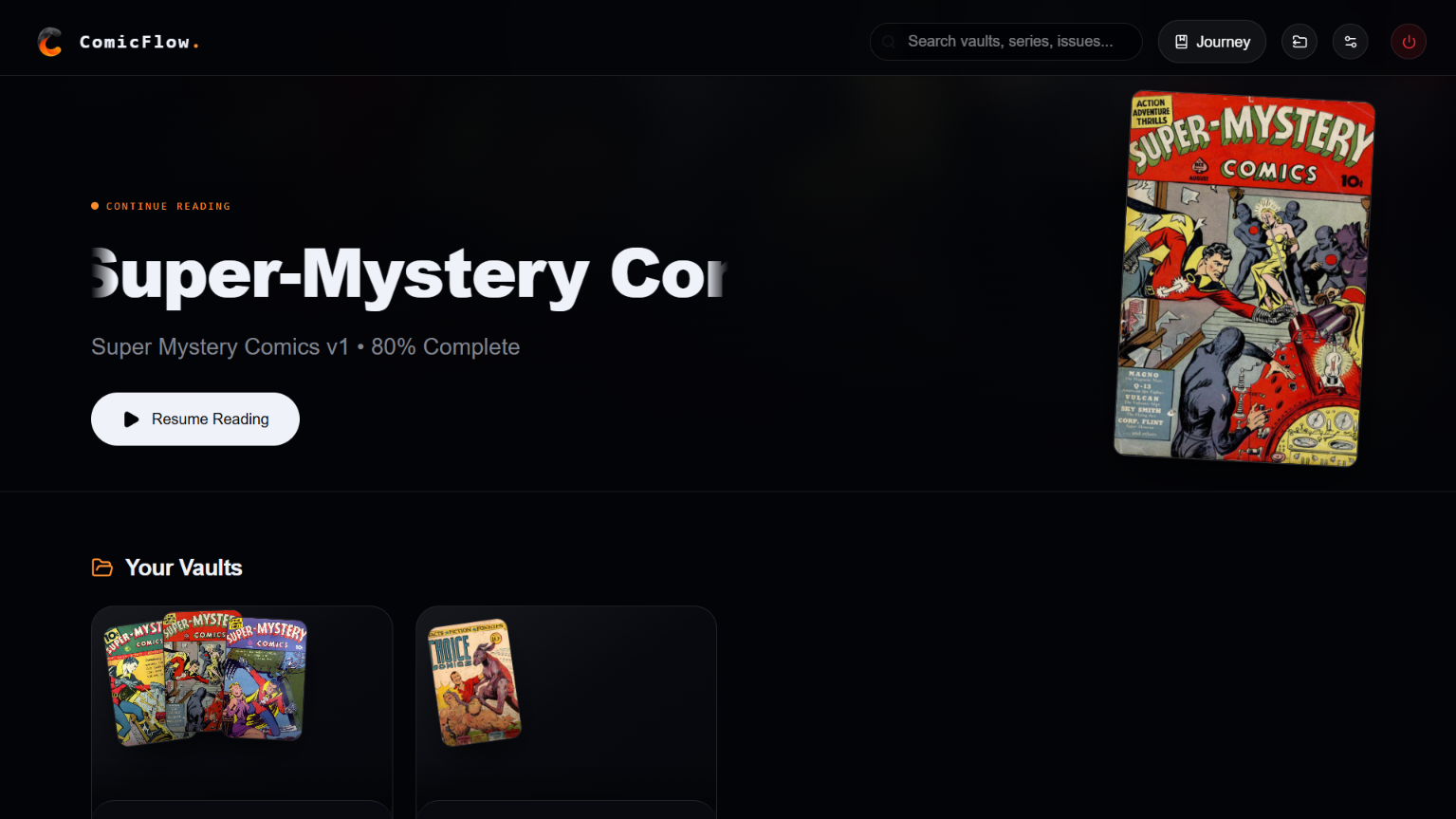
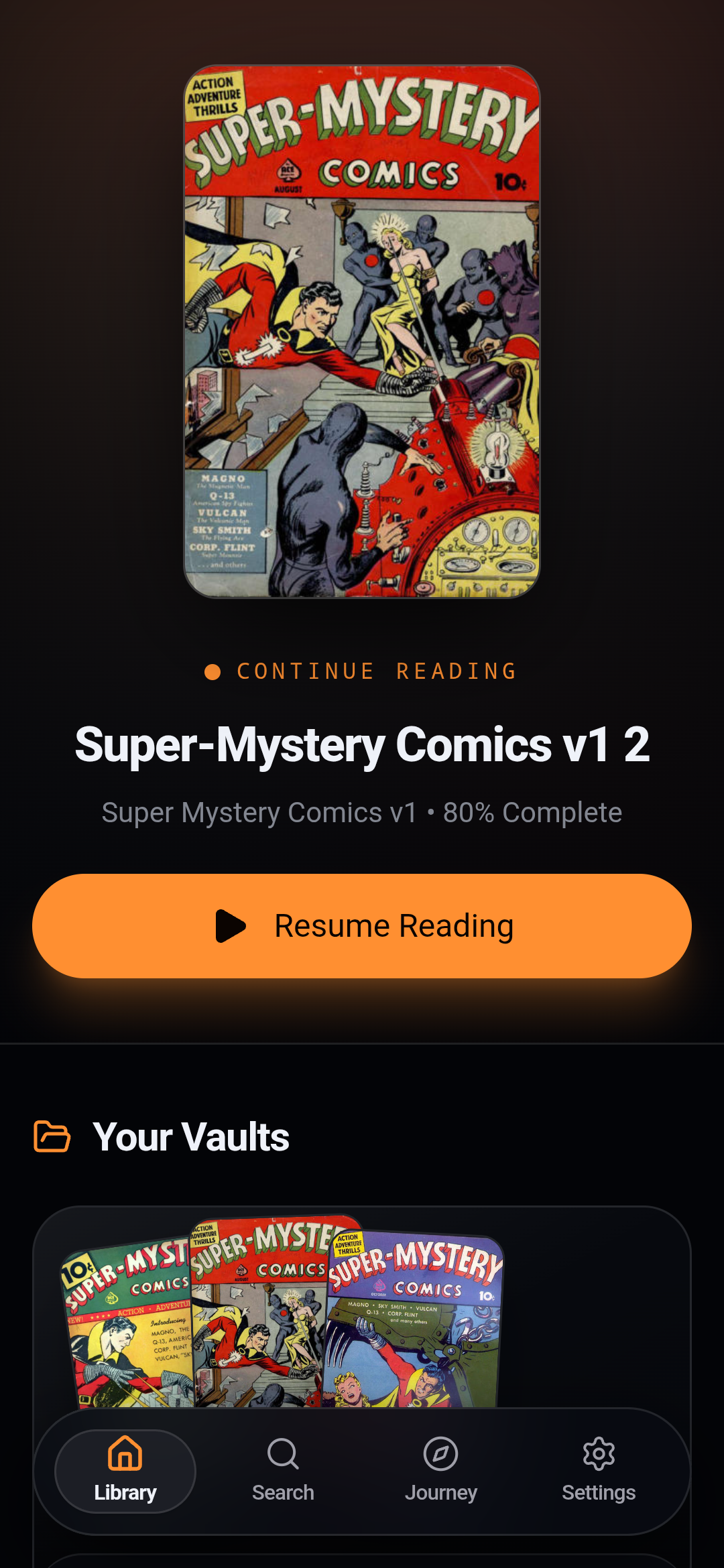
See ComicFlow on Desktop
Watch how ComicFlow opens archives instantly, generates cover mosaics, and renders pages with theater immersion.
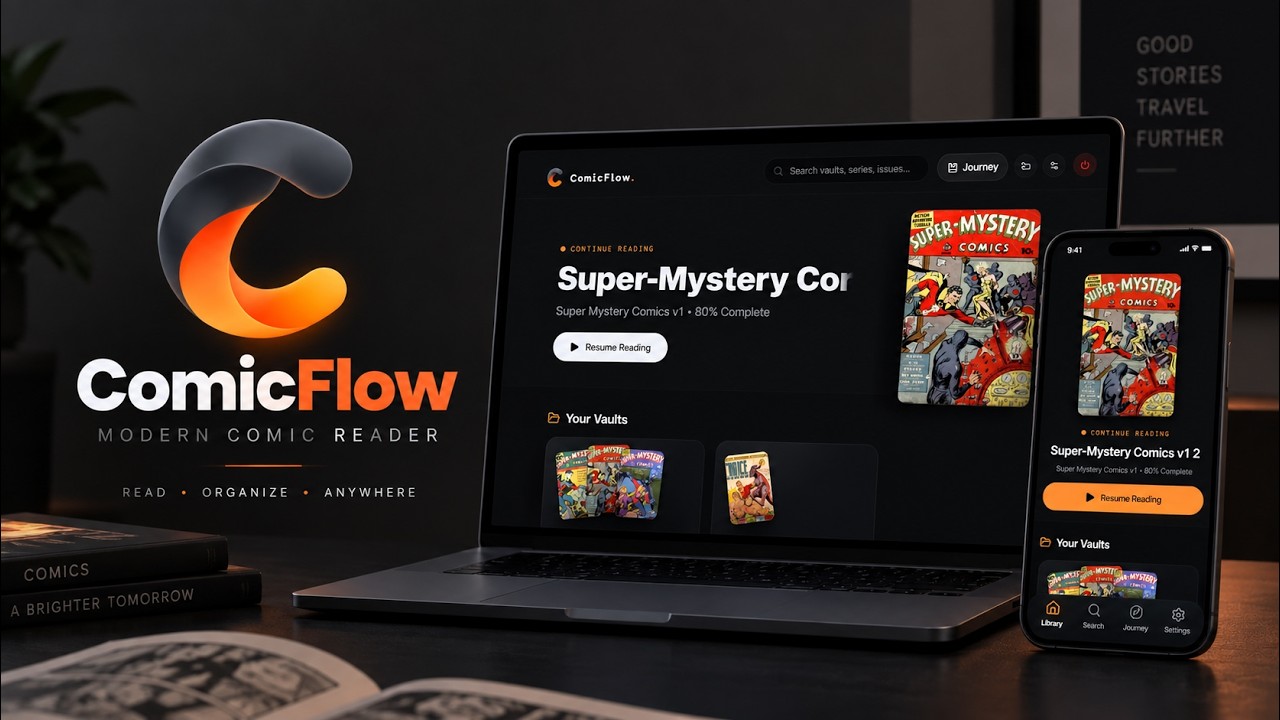
Click to Play Desktop Walkthrough
Streams in 1080p HD via YouTubeAPP TOUR & CAPABILITIES
Every feature, built for readers.
Click any feature below to preview how ComicFlow works on both Windows and Android simultaneously.
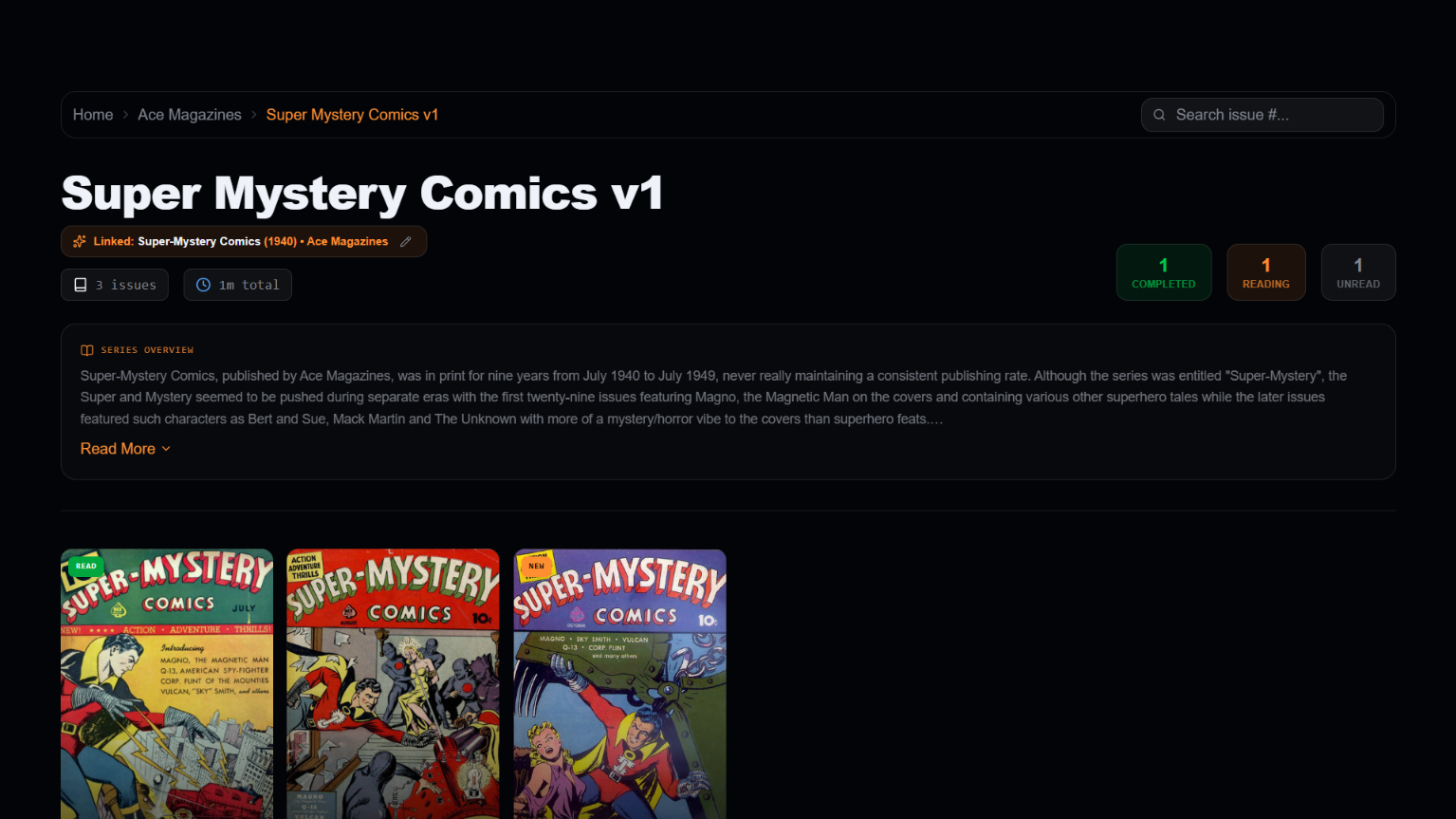
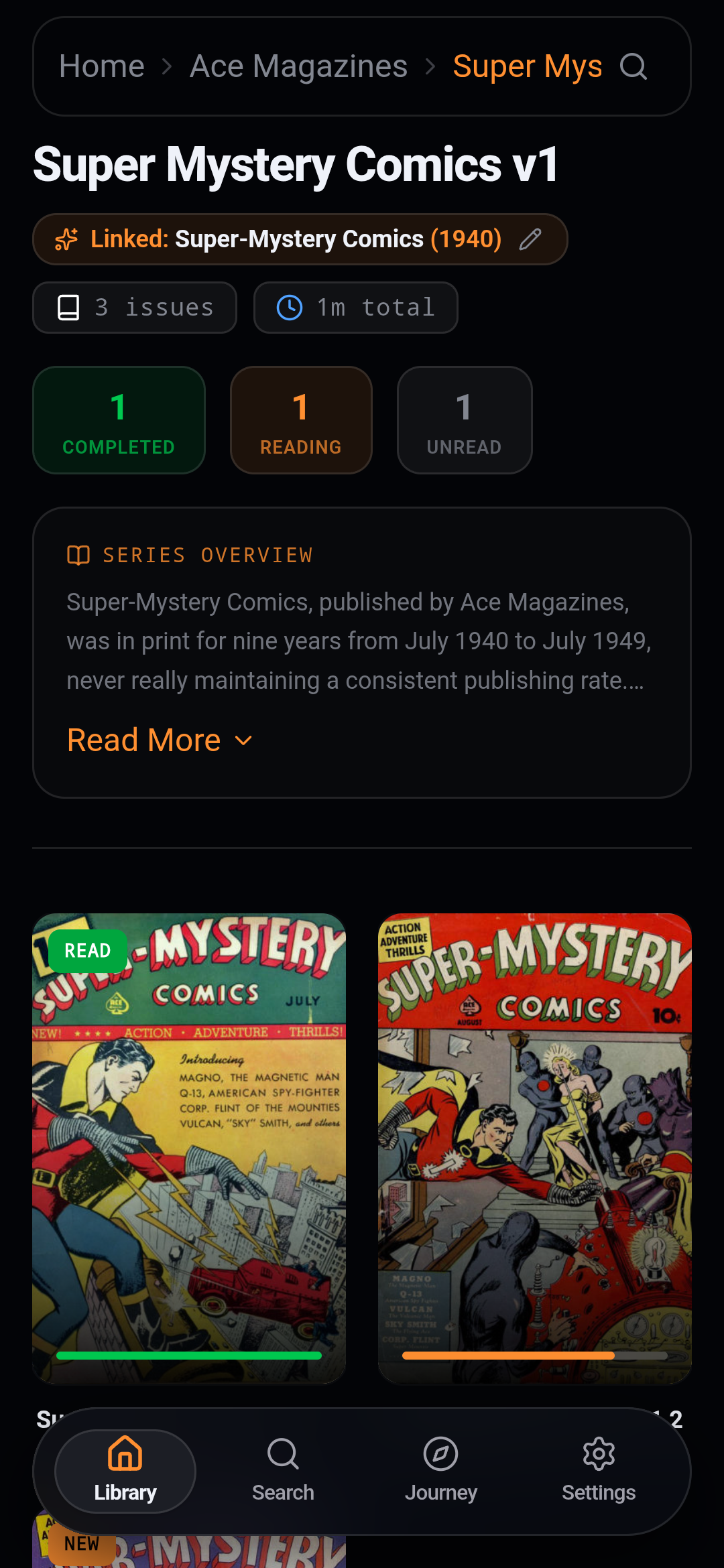
Organized Like an Art Gallery
Your digital comics, finally arranged with dignity.
Groups your files into a clean 3-tier hierarchy: Publisher Vaults ➔ Series ➔ Issues, complete with dynamic 4-cover mosaic collages.
Most comic readers look like bare Windows file folders from 2005. ComicFlow gives you a modern digital bookshelf you will actually enjoy browsing.
Browse thousands of issues with instant cached launch and zero splash-screen lag.
WHY READERS CHOOSE COMICFLOW
Built for comic lovers.
Respectful of your privacy.
Everything you need for an immersive reading session, with none of the modern software headaches.
100% Offline & Private
Your comic files never leave your personal storage. No sign-ups, no tracking analytics, and no mandatory cloud accounts.
Universal Archive Support
Native fast decompression for CBZ, CBR, ZIP, and RAR files. No file conversions or manual extraction required.
Ambient Edge Glow
Real-time edge color sampling casts an immersive theater aura matching each page's dominant color palette.
Instant Cached Startup
Reopens your library in milliseconds from a lightweight local cache with zero splash-screen stalls or database wait times.
The 3-Tier Vault System
ComicFlow organizes your digital comics into an art-gallery bookshelf using a clean 3-tier structure. Here is how to store your files so ComicFlow can automatically arrange them with cover collages and creator tags.
Proper Folder Structure
Unorganized Comics Dump
.cbz, .cbr, .zip, and .rar seamlessly.COMPATIBILITY
Simple System Requirements
Lightweight, fast, and ready to run on virtually any modern PC or Android device.
| Specification | Windows Appx64 |
|---|---|
Minimum OS | Windows 10 (64-bit, 1809+) |
Recommended OS | Windows 11 |
Architecture | 64-bit (x64) |
Memory (RAM) | 2 GB min (4 GB+ recommended) |
App Install Size | ~150 MB |
Core Dependency | Microsoft Edge WebView2 |
Supported Formats | CBZ, CBR, ZIP, RAR |
Internet Need | 100% Offline-First (Online for ComicVine) |

Start Reading with ComicFlow
Download the official app for Windows or Android. 100% free, private, and offline.
Windows v0.2.2 (Stable) • Android v0.2.2 (Beta Preview) • Verified Safe & Clean Release
Customer & Reader Feedback
Have a feature suggestion, encountered a bug, or want to share your thoughts on ComicFlow? Submit your feedback below—every response directly helps us refine upcoming releases.